
Match the format to what the image is
Photographs, screenshots, flat icons and vector artwork do not fail in the same way, so there is no single format that wins every time.
A photograph degrades quietly: a lossy encoder removes texture in gradients, fabric and skin, and the damage is invisible in a thumbnail. A screenshot with 13-pixel labels degrades loudly: soften the edges of thin strokes and the words stop being readable at 100%. A flat logo or icon degrades structurally: it needs transparency and hard edges, and a codec tuned for photographs leaves a pale halo along that edge.
The MDN format guide describes each container in those terms. Its JPEG entry is a lossy choice — “Good choice for lossy compression of still images (currently the most popular).” — while its PNG entry is about exactness: “PNG is preferred over JPEG for more precise reproduction of source images, or when transparency is needed.” For WebP the same page claims a compression advantage: “WebP offers much better compression than PNG or JPEG with support for higher color depths, animated frames, transparency etc.” AVIF is described as “Good choice for both images and animated images due to high performance and royalty free image format.”
Both entries list the same browser family at the bottom of the row: Chrome, Edge, Firefox, Opera, Safari.
Two decisions follow from that. First, choose from the content, not from habit: a diagram that must stay crisp is not a photograph, and a photograph is not a diagram. Second, keep vector work in a vector container. SVG describes shapes and text rather than pixels, which makes it the right file for icons and diagrams and the wrong file for a camera image.
Compare exports at identical dimensions
Change width, format and quality in one step and you produce a table that proves nothing. Fix the frame first, then move one variable at a time.
- Record the original's pixel dimensions and byte size before converting anything.
- Set the display size from the layout rather than from the file: the widest column the image will fill, doubled if you intend to serve a high-density version.
- Export one lossless file at those dimensions to use as the reference.
- Export each candidate format from the same source at the same dimensions, one setting per file.
- Write the bytes and the settings into the table before you compare the pictures, so the numbers cannot be filled in from memory afterwards.
Re-encoding an export is the most common mistake in this step. Converting your WebP into AVIF measures how well the second encoder reproduces the first encoder's error, not how the two formats compare. Always decode the original and export from there.
Measure bytes and visible defects
Bytes are objective. A visible defect is not objective unless you record how you looked for it. This pass keeps two measurable columns: the byte size of each export, and its difference from the lossless reference, expressed as RMSE and as peak signal-to-noise ratio (PSNR) in decibels. Both are computed from the decoded pixels, so anyone can repeat them. What those numbers cannot do is see.
A 44 dB result is a statement about average pixel error; it is not a statement that a gradient looks clean on a phone in daylight.
The table below therefore keeps its visual column at Not checked — nothing in this pass was opened at 100% zoom, and writing “looks fine” without that pass would be an opinion dressed up as a measurement. One habit worth keeping: the smallest file is not automatically the better choice. A lossless PNG can be larger than every lossy candidate here and still be correct, because a diagram, a screenshot of small text, or an image that will be re-edited later cannot absorb the error a photograph absorbs.
Serve a size that fits the viewport
The format controls bytes per pixel; the declared dimensions control how many pixels leave the server.
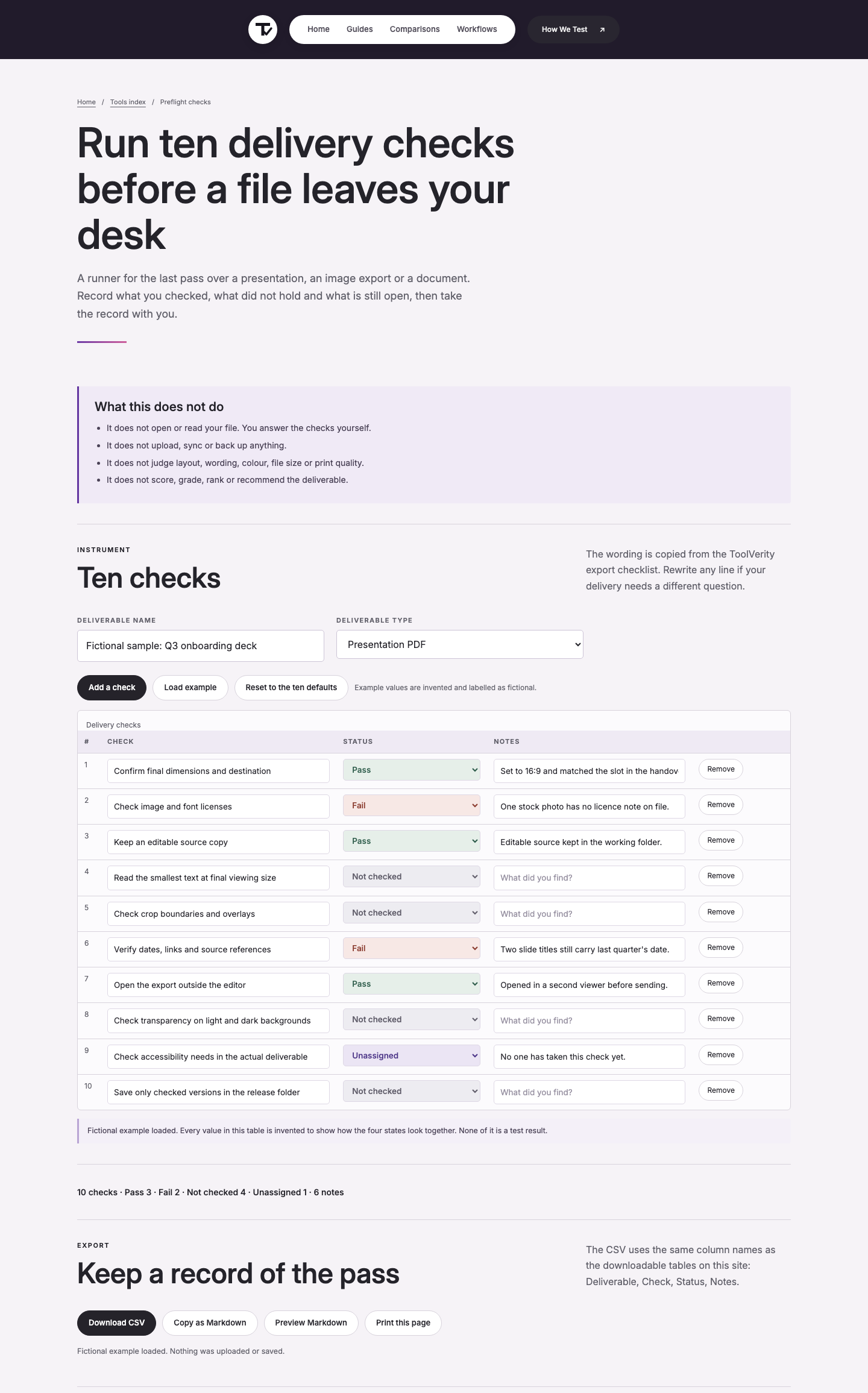
On this page the screenshot at the top is a 1440 × 2311 PNG that weighs 306,630 bytes. If it sits in a 720-pixel column, the browser still downloads all 306,630 bytes for a slot that needs about a quarter of that pixel area. A narrower export, or a responsive source, is the fix. MDN's responsive images guide points at the mechanism rather than at a single attribute: “srcset attributes contain the path to the image to display.” In practice the image gets several candidate files with width descriptors, and the browser picks one against the space it has.
That choice happens per viewport, which is why a single fixed export cannot be right for both a phone and a wide desktop column.
One photograph, four exports
The input here is the site's own link-preview image, /assets/social.jpg: a 1200 × 630 RGB JPEG that weighs 45,034 bytes. Every export below came from that one file, decoded once, written at the same 1200 × 630 pixels. Nothing was resized between steps. Method: Python 3.9.6 with Pillow 11.3.0 (libwebp and libavif), on macOS, in a single pass. The PNG was written with optimize=True and used as the lossless reference; JPEG used optimize=True, progressive=True; WebP used method=6; AVIF used speed=6. RMSE and PSNR were computed against the decoded PNG.
| Export and setting | Bytes | KiB | RMSE vs reference | PSNR vs reference | Visual check |
|---|---|---|---|---|---|
| PNG, optimize=True (lossless reference) | 222,215 | 217.0 | 0.00 | lossless | Not checked |
| JPEG, quality 82 | 35,789 | 35.0 | 1.00 | 48.13 dB | Not checked |
| JPEG, quality 60 | 16,520 | 16.1 | 1.75 | 43.26 dB | Not checked |
| WebP, quality 82, method=6 | 12,808 | 12.5 | 1.18 | 46.71 dB | Not checked |
| WebP, quality 60, method=6 | 8,402 | 8.2 | 1.44 | 44.96 dB | Not checked |
| WebP, lossless, method=6 | 156,858 | 153.2 | 0.00 | lossless | Not checked |
| AVIF, quality 63, speed=6 | 6,613 | 6.5 | 1.25 | 46.17 dB | Not checked |
| AVIF, quality 40, speed=6 | 3,257 | 3.2 | 1.79 | 43.08 dB | Not checked |
Read it in two passes. The bytes first: AVIF at quality 63 lands at 6,613 bytes, WebP at quality 82 at 12,808, JPEG at quality 82 at 35,789, and the lossless PNG at 222,215. Then the difference: JPEG at quality 82 and AVIF at quality 63 sit within one decibel of measured error, at roughly five times the file size on the JPEG side.
Neither column decides whether the sky in the photograph bands visibly on a phone, and that is exactly why the visual column is left unclaimed.
The failure case to watch for is the middle setting. JPEG at quality 60 measured the largest error in the set (43.26 dB) and it is the setting most likely to pass a quick look on a laptop and then fail on a large display, where banding and ringing have room to show. Record the export settings in the preflight sheet next to the page you are shipping, so the next image does not start from guesswork. The preflight check runner keeps the ten checks, the byte notes and the export file name in one table that can be exported as CSV before the page goes up.
Plan fallbacks and declare dimensions
Support is a range, not a switch. MDN's WebP entry puts the caveat next to the format it praises: “AVIF offers slightly better compression, but is not quite as well-supported in browsers and does not support progressive rendering.” The practical reading is that a modern container can carry your page and a fallback still has to exist for the browsers that decode only the older one.
Declare the frame at the same time. MDN's image element reference explains why it matters: “Including height and width enables the aspect ratio of the image to be calculated by the browser prior to the image being loaded.” Without those two attributes the layout cannot reserve the space, and the paragraph under the image jumps when the file arrives. With them, a slow image costs time, not reflow.
The failure case is easy to state. Ship one format, leave out the fallback, and a browser that cannot decode it renders the alt text and an empty box — the alt attribute is then doing the job the image was hired for.
Sanitise supplied SVG before embedding
An SVG file is markup, not a picture of markup. It can carry script elements, event handler attributes, references to remote files and foreignObject content, which is why a file from an outside source should be treated as active content rather than as an image. The safe path is to run it through a sanitiser, or to rasterise it into the raster format you need, before it reaches the page.
In this pass no sanitiser was run and no third-party SVG was embedded, so that item is recorded as Not checked rather than described as handled. The second point needs no tooling: SVG is not a way to make a photograph small.
Its contents are shapes and text, so the right files are icons, diagrams and lettering.
Check the page, not only the file
An export table describes one file; a page is a budget. MDN's performance material points at the cheapest available saving: the “loading="lazy" attribute on the <img>, <iframe>, <video>, and <audio> elements”, which defers work for anything below the fold instead of downloading it immediately. The arithmetic from this page makes the point. The eight exports in the table above add up to 462,462 bytes. A page that showed the same photograph in all four formats at the same size would spend 462,462 bytes on images for a single picture, and the choice of codec would be the smallest part of that number.
Format choice saves tens of kilobytes; serving the wrong dimensions, or loading everything eagerly, spends hundreds. So the last check happens on the page: count the images that are visible before scrolling, declare their width and height, serve the size the layout actually uses, and defer the rest. Before the page ships, run the same list over the others — the preflight sheet holds the size, the format and one recorded defect for each export, which is more useful than a folder of unnamed files.
Which format specifications this page draws on
Every number on this page comes from a page opened on 14 September 2026 or from a file produced on this machine in one export pass. Quotes are given as they appear in the source, cut only at sentence boundaries.
- MDN, Image file type and format guide (accessed 2026-09-14): “Good choice for lossy compression of still images (currently the most popular).” · “PNG is preferred over JPEG for more precise reproduction of source images, or when transparency is needed.” · “WebP offers much better compression than PNG or JPEG with support for higher color depths, animated frames, transparency etc.” · “AVIF offers slightly better compression, but is not quite as well-supported in browsers and does not support progressive rendering.”
- MDN,
<img>: The Image Embed element (accessed 2026-09-14): “Including height and width enables the aspect ratio of the image to be calculated by the browser prior to the image being loaded.” - MDN, Responsive images (accessed 2026-09-14): “srcset attributes contain the path to the image to display.”
- MDN, Multimedia: Images (accessed 2026-09-14): “loading="lazy" attribute on the <img>, <iframe>, <video>, and <audio> elements”.
- YouTube Help, Add custom thumbnails (accessed 2026-09-14): “Remain under MB limits.” The same page caps uploads by device: 2 MB for video thumbnails or 10 MB for podcasts from mobile, 50 MB for video, Shorts and podcast thumbnails from desktop (both figures from YouTube Help, Add custom thumbnails, accessed 2026-09-14). That limit is what made the format decision in the table above a question about bytes rather than about taste.
Method. The eight exports were produced on 14 September 2026 from /assets/social.jpg with Python 3.9.6 and Pillow 11.3.0 on macOS. PSNR and RMSE were computed against the decoded PNG reference. The export files were kept beside their settings and byte counts; the widest single gap in the set is PNG at 222,215 bytes against AVIF at 6,613 bytes for the same 1200 × 630 frame.
Not checked in this pass. No export was opened at 100% zoom for a visual check; no browser decoding matrix was run on this machine; no SVG sanitiser was run. Each of those three items is reported as Not checked rather than as a pass.